
“What should I learn next?”
Due reviews, weak recall and unfinished high-yield topics become one smart queue.
A calm, premium workspace for visual recall, annotations, smart review and exam planning.
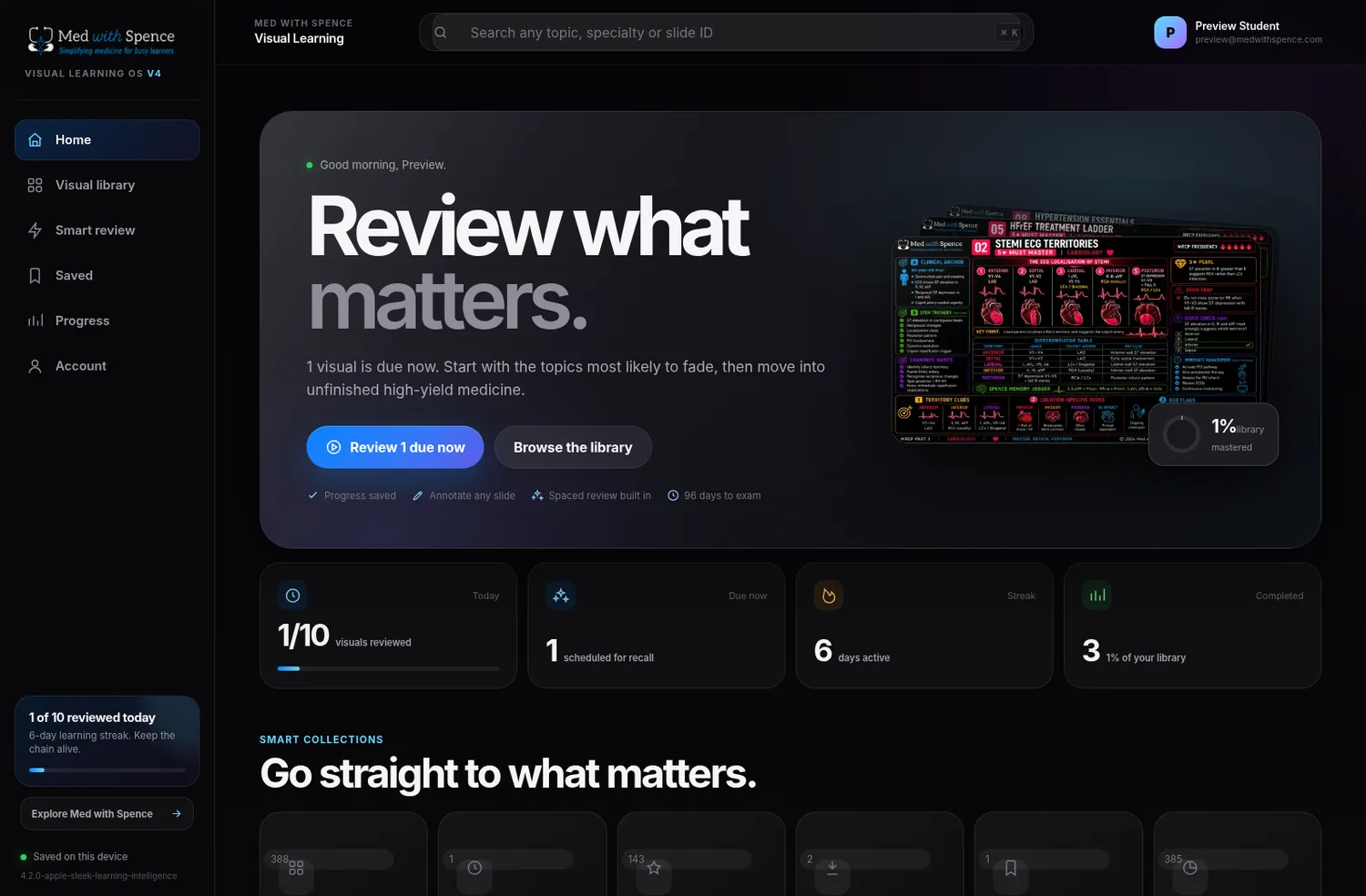
Due reviews, weak recall and unfinished high-yield topics become one smart queue.
Retrieve the clinical anchor and next action before the answer appears.
Again, Hard, Good and Easy schedule the next review automatically.
Set an exam date to see countdown, daily target and projected completion.
Pen, highlighter, eraser, undo, rotation and annotated PNG export.
Pinch zoom, double-tap, swipe navigation and compact bottom-sheet controls.
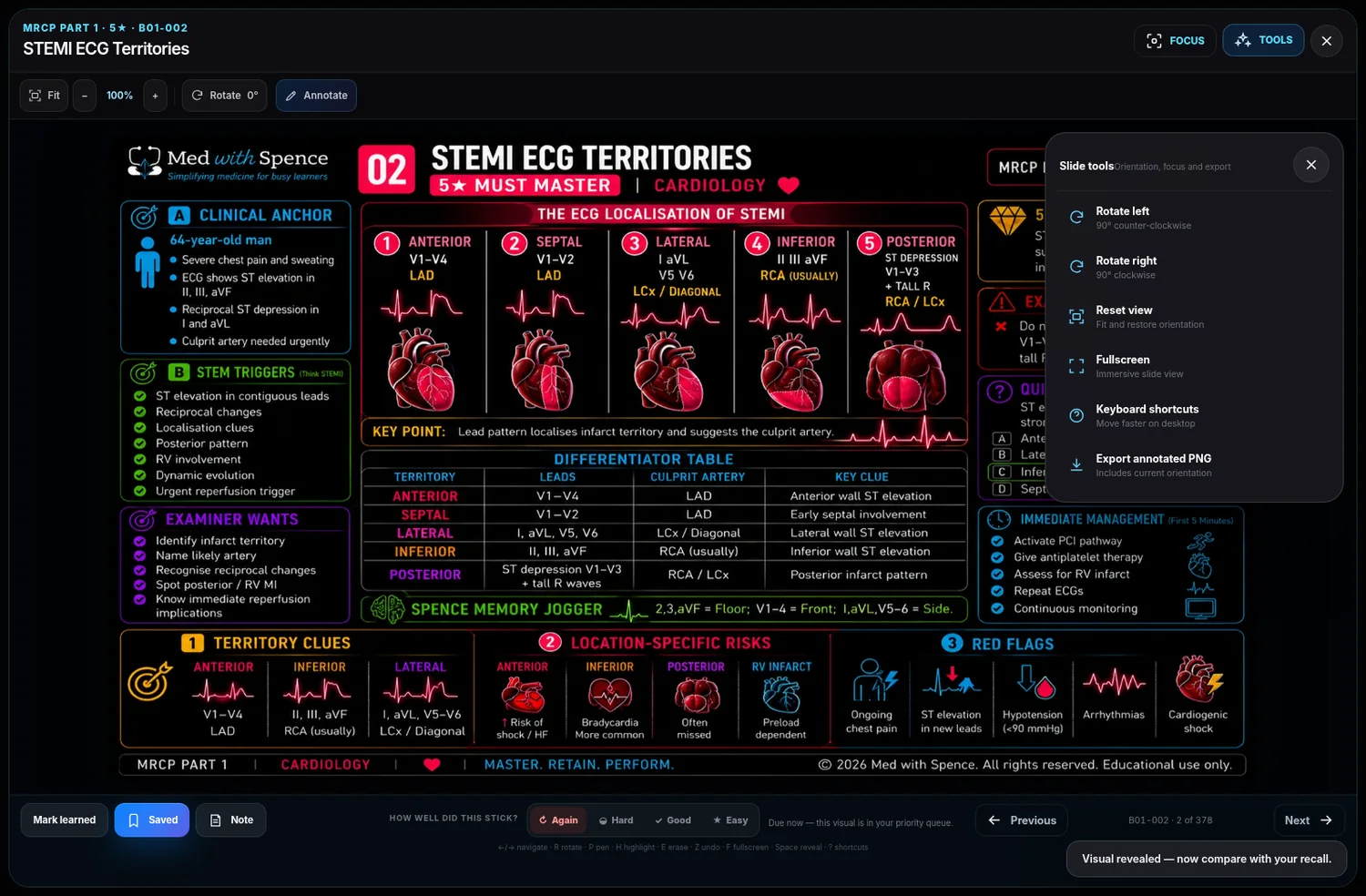
Primary controls remain visible. Rotation, fullscreen, export and shortcuts live in a contextual Tools menu. Annotations and private notes open only when needed.
The current student platform package contains all 378 approved Part 1 visuals plus 10 interactive Part 2 previews. Secure account access controls which content appears for each student.
No. Med with Spence is designed to sit alongside question-bank practice. Each visual turns a topic into a one-page mental model with anchors, discriminators, traps, management and retrieval cues.
Part 1 and complete-bundle purchases include the downloadable files and the Part 1 Visual Learning OS entitlement. Part 2 currently includes the downloadable 487-slide library and 10 interactive platform previews. Use the same email at checkout and login; contact support if the entitlement is not visible.
Yes. The downloadable slides open on common devices, and the Visual Learning OS is responsive with rotation, zoom, annotations, notes, bookmarks and progress tools.
No. Med with Spence is an independent educational resource and is not affiliated with MRCP(UK) or the Royal Colleges of Physicians.
Yes. Use the slides for exam revision and always check current national guidance, local policy and senior clinical advice before applying information to patient care.